 01 / RECURRING CARE
Maintenance
and service visits.
Plan the route, give the crew the details and bring back a clear record of each visit.
 SplashOfficeTry the demo ↗
Your office turns the first conversation into agreed work. Your crew brings back the details. Your customer gets a clear update. Splash Office connects the whole job, from first hello to final follow through.
Explore the live demo ↗Watch the 71 second introduction ▶71 seconds · Narrated, with captions. Demo screens and illustrated transitions.
A customer calls. A job begins. Splash Office keeps the office, the crew, and the customer connected through everything that happens next.
Start with a conversation. Keep the request with the customer, then prepare a clear quote for the work they need.
From quote to signed agreement, payment, and scheduled job, the details stay connected. Your office stays in control.
Assign the crew and build the route. Everyone knows where to go, what to do, and which instructions matter.
At the pool, the crew records the work, the readings, and the photos. The completed visit comes back to the office for review.
Once checked, the customer gets a clean service record by email. What was done, what was checked, and a picture of the finished job. All together.
Maintenance is only part of the story. Openings, closings, repairs, service calls, and liner replacements belong here too.
And Splash is there to help you find information, understand the next step, and prepare work for your review.
One connected journey, from the first conversation to the finished job. That's Splash Office. Take a look inside.

The crew records it. Your office approves it. Your customer sees it.
See what they receive ↗FOR THE WHOLE POOL BUSINESS
Weekly service is just one part of the day. Splash Office also brings openings, closings, repairs, liner replacements and other quoted work through the customer, contract and job workflow.
01 / RECURRING CAREPlan the route, give the crew the details and bring back a clear record of each visit.
 02 / SEASONAL WORK
Keep the customer request, scheduled work and completed service record together through the season.
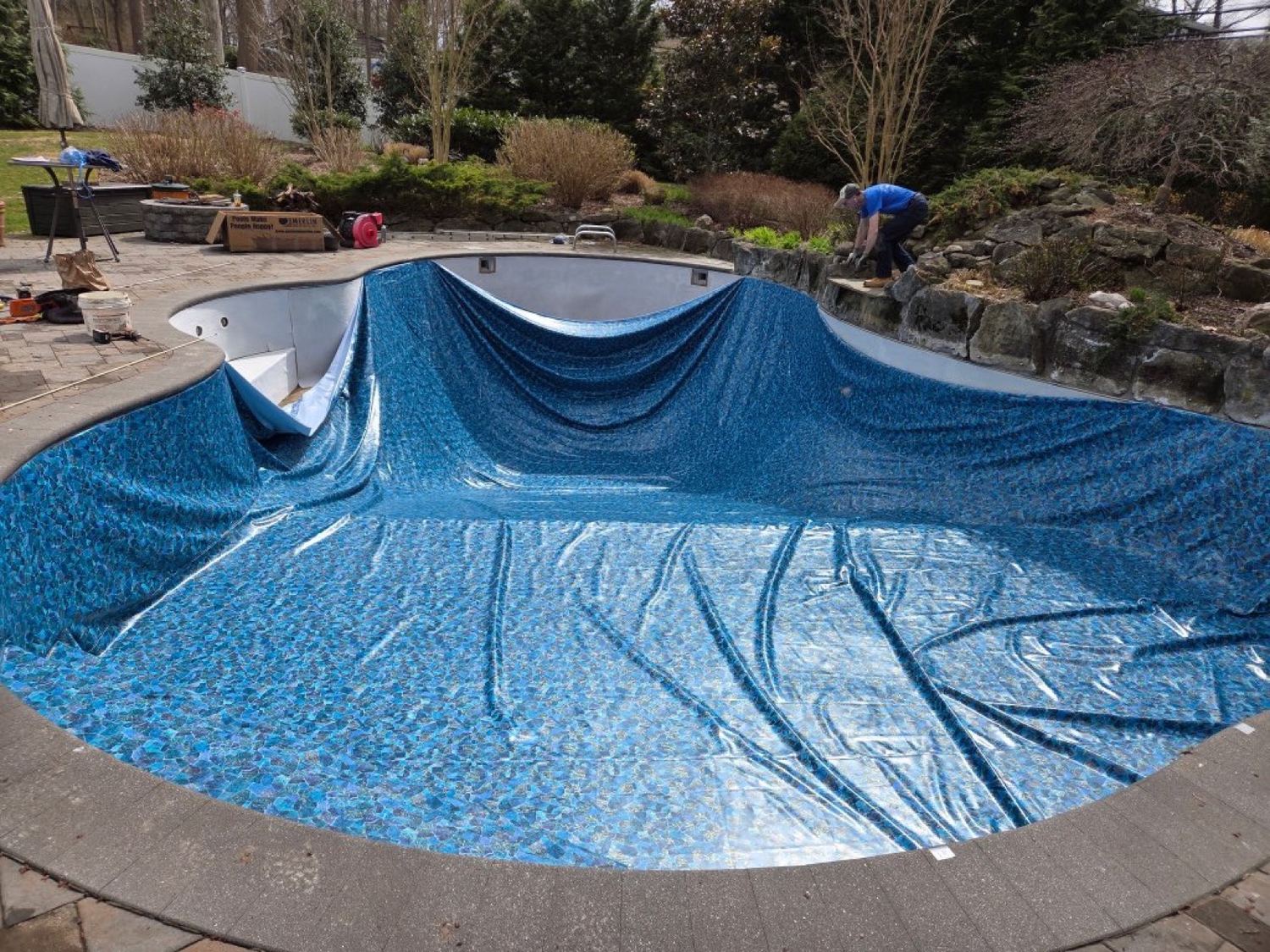 03 / QUOTED JOBS
Quote the work, send the agreement, track payment and schedule the job. Your office stays with it through completion.
Your services and price book shape the quote. The agreement and job workflow carries the work forward, including liner replacements and other quoted jobs.
THE DETAILS MOVE FORWARD. SO DO YOU.
A customer calls about a job. Your office turns the request into a quote, an agreement and booked work. The same customer and job details stay connected through payment.
Capture the phone conversation in the customer record, or work from the email, text or portal message already in your inbox. The request has a home from the start.
Select any step to follow the work. Payment timing depends on the service and your agreement.
“We would like to book our pool opening.” The office keeps the request with the customer record.
Illustrated example. Screens show the separate demo company.ONE VISIT. THE WHOLE PICTURE.
The crew taps through the visit, logs the work and takes the photos. Your office checks it. Your customer gets a clear, branded record in their email.
The ordered route, gate instructions and job details are ready on the crew’s phone. GPS clock in starts the visit.
ILLUSTRATIVE CREW VIEW
Tap through the checklist, log water readings and treatments, add photos, then finish the visit. The record goes back to the office.
Visit photosCheck the completed record, ask for a correction if needed, then approve and send. The customer gets the visit details in one neat bundle.
THIS IS WHAT YOUR CUSTOMER GETS
Your customer receives a photo of the pool, the completed checks, water readings and recorded treatments. The service ticket brings the visit together under your company’s name.
The office reviews it before it goes out. Approval sends the customer email with the service record attached, without rebuilding the visit into a separate message.
Photos, checks and readings become the visit record.
Approve it or send it back for a correction.
A branded email and service ticket close the loop.
Your service visit, all in one place.
Actual demo ticket. Your company’s name and logo appear on customer communications.
THE SAME WORK, SEEN FROM EVERY SIDE
Your crew needs the job details. Your office needs the full picture. Your customer needs to know what happened. Each view serves the person using it.
See the work on the dispatch board and organize the crews who will do it.
The crew’s route and visit details travel with them on their phone.
Your customer has a place to see their information and reach your office.
YOUR OFFICE. WITH EVERYTHING CONNECTED.
Every part has a job to do. Together, they keep the customer, the work and the next step in the same system. Open any feature to see its demo screen.
MEET YOUR NEW OFFICE REGULAR
Splash is your built in assistant. He helps customers with everyday service questions and helps your office find information, prepare changes and navigate the work.
Meet him in the demo ↗
He can explain the next step and point you to the right page. Your office still reviews the work before sending it.
Try asking him in the demo ↗Splash can look up upcoming visits, help request a routine service and pass the conversation to your office. New booking requests wait for the office to confirm.
Ask him to find a customer’s balance, look up an invoice or show the day’s work. He can also prepare customer updates, jobs, schedule changes and payment records for your confirmation.
Ask how to do something in the program. Splash can point you to the right page, explain the next steps and record a problem or feature request for the development team.
YOUR COMPANY, FROM FIRST HELLO TO FINAL EMAIL
Your logo appears on the customer portal and service records, and you use your own payment account. Splash Office connects the work while your customers keep seeing the company they chose.
See the customer experience ↗BUILT WITH BOTH SIDES IN MINDBuilt by someone who grew up in a family pool business, worked in the field and later ran the office. Splash Office brings that experience together with practical software development.
Read our story ↗A COMPLETE SYSTEM. A CLEAR MONTHLY BILL.
No separate software tiers to piece together. Office, crew and customer tools are included, with no additional charge per person.
$199 monthly minimum
An address counts when you complete a visit there that month. Multiple visits to the same address still count as one address.
Explore everything in the demo ↗ Your whole company belongs here.
The $199 monthly minimum includes the first 79 addresses serviced that month. Text messaging carrier costs are additional, at cost. Payment processing fees are separate.
STRAIGHT ANSWERS
The practical details, before you make a change.
Yes. Splash Office has tools for importing existing customer information. Bring your spreadsheet, database export or other records, and we can work through what needs to move.
Your company runs with its own server and database. Connections are encrypted, passwords are not stored in readable form, and card processing is handled through Stripe.
Yes. Your company name and logo appear on the customer portal, invoices and service records. The customer relationship stays yours.
Your office stays in control. Splash works from the information available to him, passes questions outside his role to your people, and prepares office changes for confirmation. New service requests wait for office review. You can turn him on or off.
You connect your own Stripe account for card processing. Customer payments go through that account. Splash Office keeps the payment status connected to the office workflow.
They can use the phones or tablets they already carry, with a current web browser and an internet connection. The crew view is made for work in the field.
No. Billing follows the service arrangement. A prepaid maintenance visit is different from a separately quoted repair. The visit record still captures the work and supports a customer update.
The crew’s completed record comes back for office review. Approve and send queues the customer email with the service ticket attached. Your office can also hold the ticket or send it back for a correction.
LESS CHASING. MORE RUNNING YOUR COMPANY.